
Name-Based Case Searches
Michigan's public route for a case-history lookup is MiCOURT Case Search. It works by name or by case number. A name match may point to a party or participant. It does not confirm identity, list a current hearing, or settle the final outcome. Check the court, the case type, the filing date, and the case number side by side before you draw conclusions. Some personal data is off limits. A full date of birth or a driver license number is not part of an ordinary public-search entitlement.
- Open MiCOURT Case Search and complete the terms acknowledgment and CAPTCHA. No ordinary public-login account is required.
- Choose Name Search, enter the last name, and add a first name only when it narrows the result.
- Apply an available court, case-type, year, or status filter. Do not repeat broad searches or bypass rate limits.
- Open the plausible result and compare its court, filed date, status, and case number before reading the register of actions.
The terms of use bar scraping, bots, proxies, bulk downloads, and any effort to slip past the limits. A Huron clerk can tell you which court keeps a file and how to get public case history or copies. The clerk cannot give legal advice.
| Field Label | Type | Required | Notes |
|---|---|---|---|
| Last Name | Text | Unspecified | Public name-search field; check spelling and initials when results are broad. |
| First Name | Text | Unspecified | Use as a narrower public name search when needed. |
| Case Number | Text | Alternative | Used on the separate case-number route; Huron's exact local format is not published on the county pages. |
| Case Type | Filter | Optional | Portal vocabulary includes civil, criminal, domestic, probate, traffic, and related categories. |
| Case Year | Number or filter | Optional | Available in the official search vocabulary; no fixed public-form range was documented. |
| Case Status | Filter | Optional | Official vocabulary includes open, closed, deferred, disposed, mediation, and garnishment. |
Huron Case Search Portal Tabs
The public MiCOURT route offers two paths: Name Search and Case Number Search. A Continue control carries the terms and your consent state. Clear wipes the form. Results return public case-history information, but that display is informational only, never a certified copy. One more caution matters here. MiCOURT warns that some courts limit conviction information shown to convictions within seven years of sentencing. So ask the court directly about anything older rather than trusting an unofficial source. For a Huron County case search, MiCOURT Case Search is the place to start. It is the official consent and search-interface page.
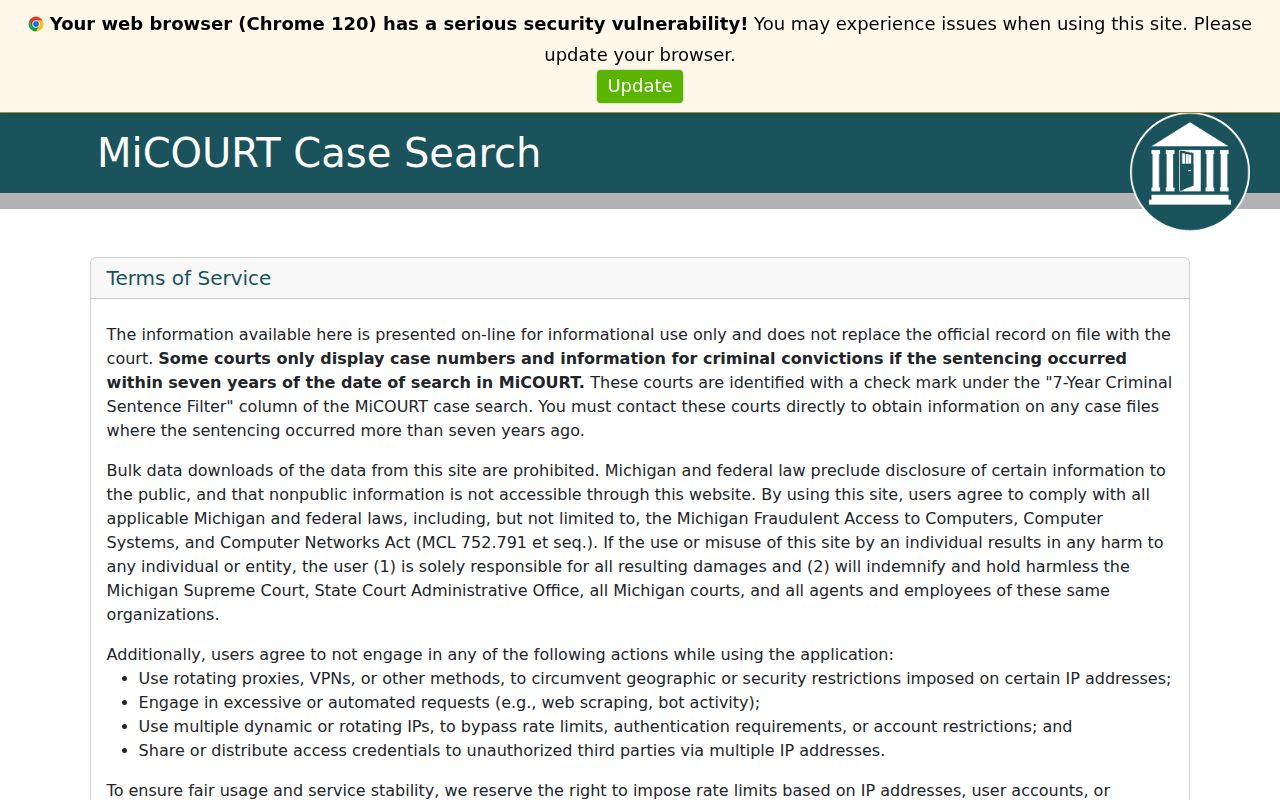
Before any name or case-number query runs, this Huron County case search path passes through its own public consent screen.
Case Number Searches
A notice, a clerk letter, or an earlier result often gives you the number. Use Case Number Search whenever you have it. Huron County publishes no exact local case-number pattern. Copy the number exactly as printed. If the portal shows a court prefix, location, or year, check those too. A failed query can mean a typo or the wrong court. It can also mean restricted access, or a case that moved.
A felony often starts in 73B District Court. It moves to the 52nd Judicial Circuit Court after bindover. Search the circuit case number, or ask the court named on the most recent paper. Probate, Family Division, and district files sit with separate offices. So one miss does not mean the case history is gone.
Huron Case Search Court Selection
Pick the court first. The 52nd Judicial Circuit Court handles felony cases after bindover. It also handles major civil matters and Family Division matters subject to access limits. 73B District Court covers misdemeanors, traffic, civil infractions, small claims, and its civil jurisdiction. Huron County Probate Court takes estates, wills, trusts, guardianships, conservatorships, and related probate matters. The county's own pages give the local routing: Circuit Court, 73B District Court, and Probate Court. Family and juvenile records are not just another open search category. An authorized party should contact the Family Division in Room 211. That office gives the correct date or record-access route.
Case Search Results Explained
Treat a public result as a case-history index. What it shows depends on the court and the case type. Fields can include a case ID, location, judge, filed date, status, disposition, next hearing, charges, sentence information, and balance-related entries. A document title or an entry date on the docket is not the paper itself. It does not mean the filing is downloadable.
| Case ID and court location | Identifiers that connect the result to the court that keeps the record. Check both before treating a name match as the intended case. |
|---|---|
| Date filed and status | Timing and a public status label such as open, closed, or disposed. A status does not replace the actual case-history entries. |
| Case history | The register of actions, a chronological list of filings, hearings, orders, judgments, and case activity. |
| Next hearing | May include date, time, type, comments, officer, and location when shown. Confirm a required appearance with the court. |
| Disposition or sentence | Outcome information that may be separate from sentence date, costs, restitution, balance, or other obligations. |
| Charges and balance fields | Available fields vary. A charge label, amount due, and case disposition are separate facts and should not be treated as equivalents. |
Huron Case Search Case History
Read a public case history in order. Start with the court and case number. Move to the case type and filing date, then party labels, then the chronological entries. Follow with the next hearing, and finally any disposition, judgment, sentence, or balance data. That order keeps a later financial field from being mistaken for the case result. It also separates a setting from what actually happened at that setting. A register of actions is the permanent case history, not a packet of every filing.
MiCOURT's developer documentation lists more search vocabulary than the public form shows. Those terms promise no public controls and do not override protections for personal information. Do not chase or republish restricted details.
Huron Case Search or Court Display
For the case history, use MiCOURT Case Search. For a date-oriented daily docket, use MiCOURT Court Display. Court Display asks for the court and the date. It then shows public Party Name, Time, Room, and Case Number columns. A blank calendar is just an empty state for that display and date. It is not an empty case history. When the date matters, start at the relevant Huron County court page. That way the Court Display you select belongs to the right bench. Call the clerk about a same-day change, continuance, room change, or remote-hearing instruction. No public date display counts as a certified scheduling notice.
Two Ways to Search: County and State
Huron County offers two routes into a docket. The statewide one is MiCOURT Case Search. It is the public portal covering participating courts across the state. The local one runs through the county's own court pages and clerk offices. Those offices hold the actual files. Pick the state portal when you want to find a participating court. Pick it also to pull a public case history by name or case number. Pick the county path when you already know which Huron court you need and want a current setting, a copy, a transcript, or an answer to a record-access question.
| MiCOURT Statewide Portal | Huron County Court Channel |
|---|---|
| Public case-history search across participating Michigan courts. | Local court page, clerk, Court Display, counter, and record-request route for the court that holds the matter. |
| Name or case-number starting point, subject to public exclusions and display limits. | Best for a known circuit, 73B district, or probate record and for current court-specific questions. |
| Public informational result, not a certified copy and not a general document-image archive. | Inspection, copies, certification, and transcript requests follow the correct clerk's process and access rules. |
Huron Case Search Public Terminal
Screens fail sometimes. When the Huron County web search comes up empty, the 52nd Judicial Circuit Court page points to a public online research terminal on the second floor across from Room 207. The Huron County Clerk in Room 201 holds the circuit files in physical form. For 73B matters, start in Room 105 and ask the clerk there about the case-history or register-of-actions route. Probate keeps its own register and office in Room 206. Prefer the phone? Call Circuit at 989-269-7112, 73B at 989-269-9987, or Probate at 989-269-9944.
You can also skip the screen entirely. The 73B record-check route covers in-person and mail requests. Its official form lets you choose file review or copies. One limit stays firm, though. A name in a search does not unlock a nonpublic file. Court rules plus any applicable order govern restricted material.
Huron Case Search Documents and Copies
MiCOURT shows the docket entries. But it rarely puts document images where the public can see them. For a plain copy or a certified one, go to the court that holds the case. Huron County District Court offers the 73B file, copy, and record-request form. One form covers a lot of ground. It handles review, copies, the whole file, certain documents, or a register of action. Note that it builds a record from a single database for the Huron County District Court. It is not a statewide product.
MiFILE registration is a different door entirely. It creates an electronic filing account. It is not the public MiCOURT docket search. The available-courts directory lists MI Huron County, Bad Axe, 73B District Court. That listing alone does not mean every Huron court follows the same workflow. It does not mean every filing type does either.
The MiFILE registration interface shows the filing-account path. That path stays separate from any Huron County case search.
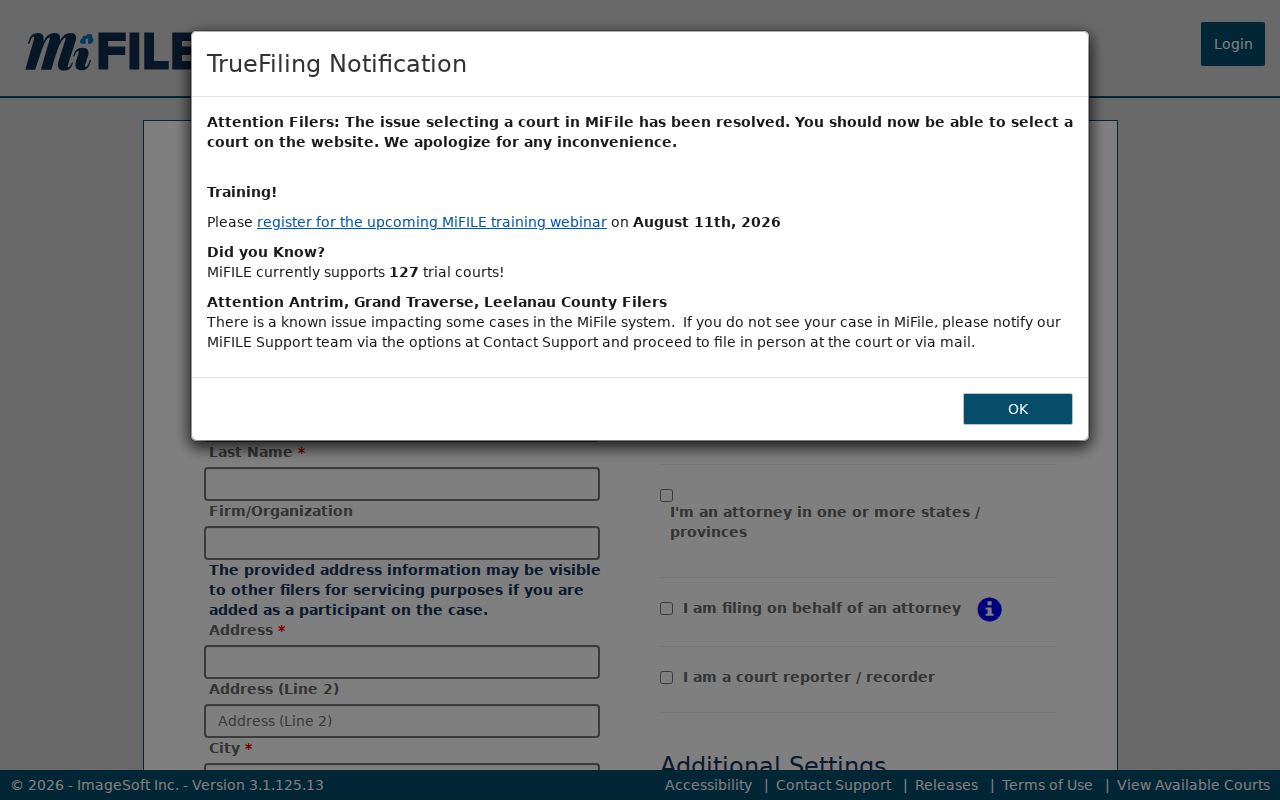
An electronic filing account is not the same thing as a public case-history lookup, and keeping the two straight saves time. For copies a court actually holds, follow the clerk process in Court Case Records.
Huron Case Search Federal Records
A Huron County matter in federal court follows a separate docket system. The U.S. District Court for Eastern Michigan uses PACER and CM/ECF, not MiCOURT. Use the PACER Case Locator for the federal route and consult the court's current instructions for registration, access, and any applicable fees.
PACER Case Locator provides the federal search and login interface used outside the Huron County state-court docket system.
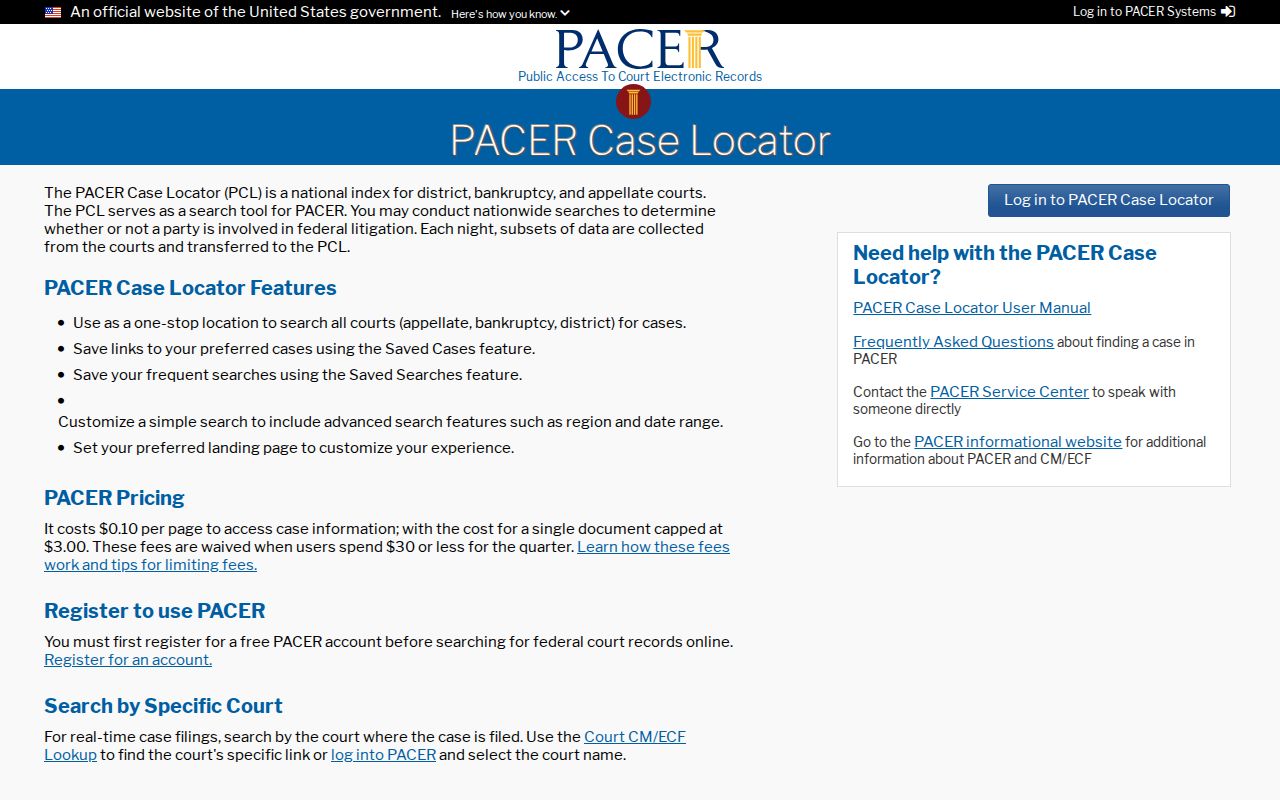
The federal route is entirely separate from Michigan's state portal. Treat it as its own docket system, not part of the Huron County case search.
Huron Case Search After Bindover
A district criminal docket can go quiet for a reason. When a case moves to circuit court, the public result may stop appearing where it did before. Michigan Court Rule 8.119 says district and municipal records for a case bound over on or after July 2, 2024 become nonpublic immediately after bindover. Circuit records stay open. On remand, that treatment flips back. So search the circuit docket after bindover. Confirm the case number with the court if the public result is unclear.
The rule is an access boundary, nothing more. It does not mean the case vanished. It does not promise every filing is downloadable either. Court clerks can explain their records procedure. Only a court can resolve the legal status of a restricted record.
Which Cases Stay Restricted
Start with the default. Michigan Court Rule 8.119 treats court records as public unless a statute, court rule, or court order restricts them. Public web access usually means the case history rather than document images. Several categories may be excluded or limited. They include adoption, juvenile and child-protective proceedings, juvenile guardianships, mental-health matters, name changes, PPO matters, parental waivers, wills, and other types named in MiCOURT's notice. The display also varies by case type and court.
Courts may offer a public terminal or another route to electronic records. Inspection of a public record is free. Reproduction costs can apply, and originals stay in court custody. Skip the generic Michigan FOIA request, because MCL 15.232 excludes the judiciary. When a Huron County court record is not public, ask the right clerk or the Family Division.